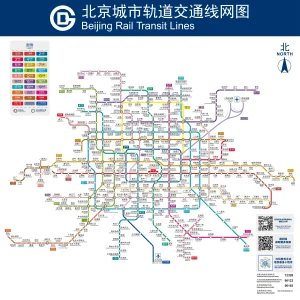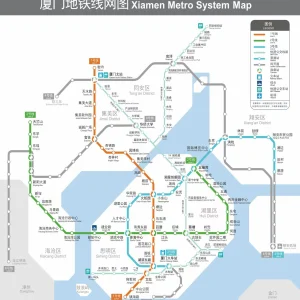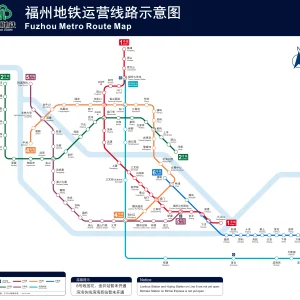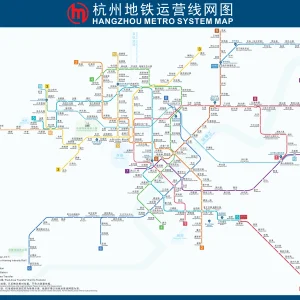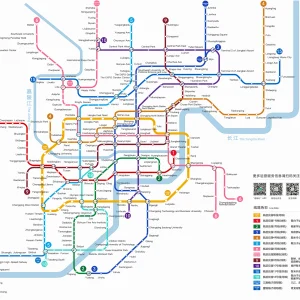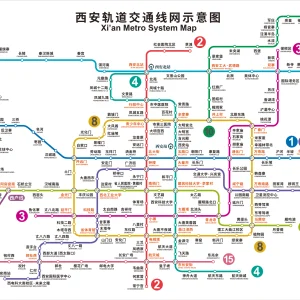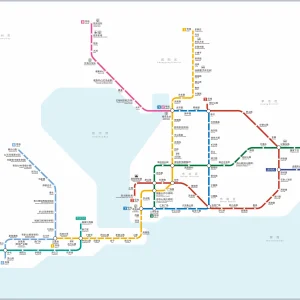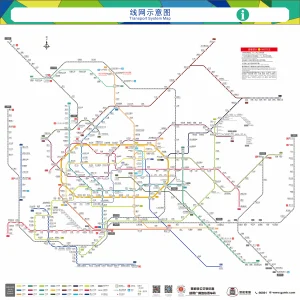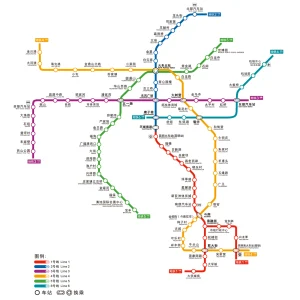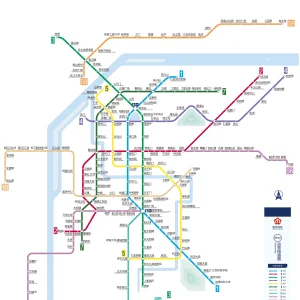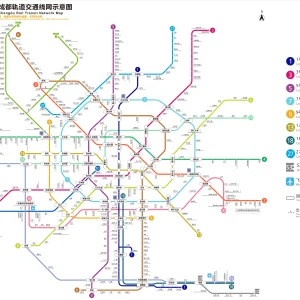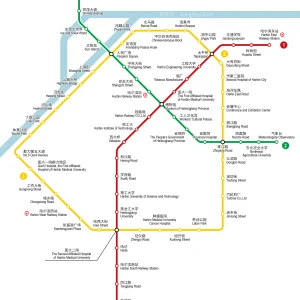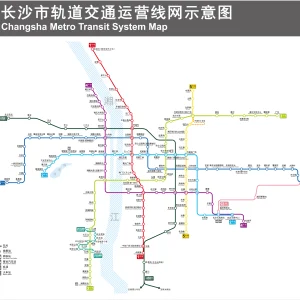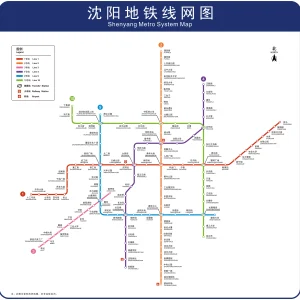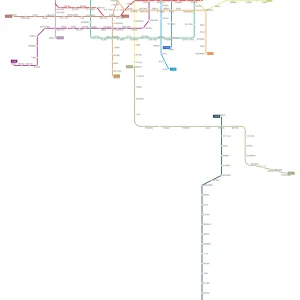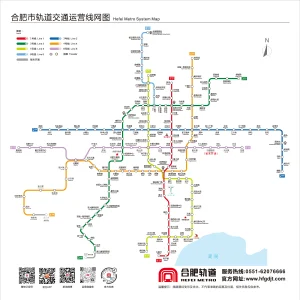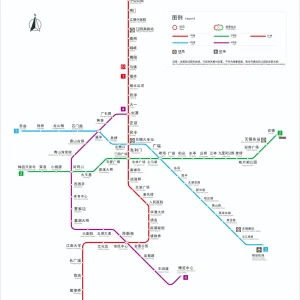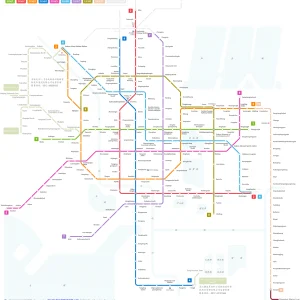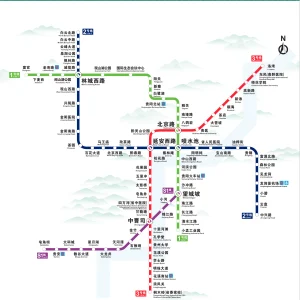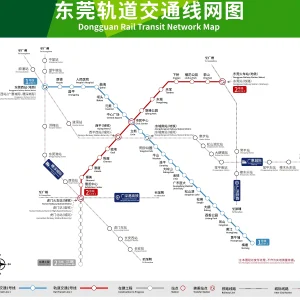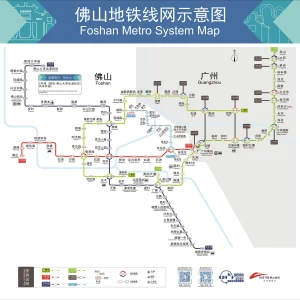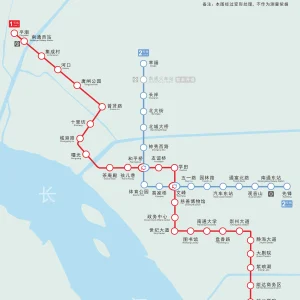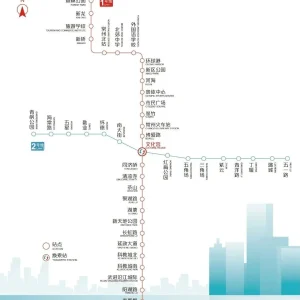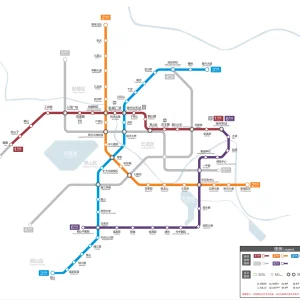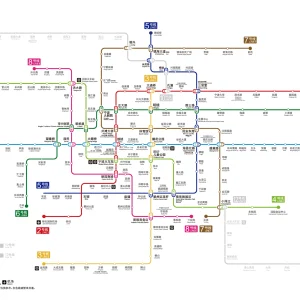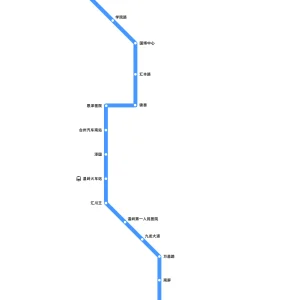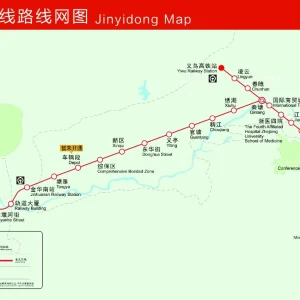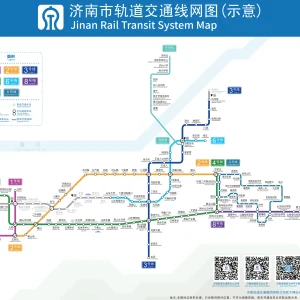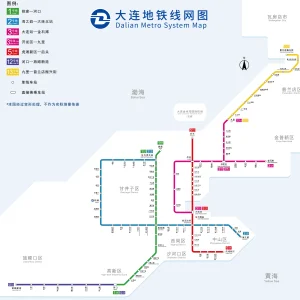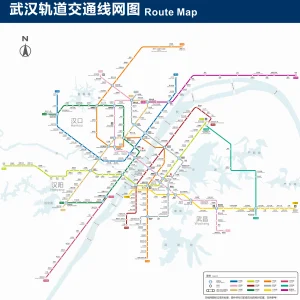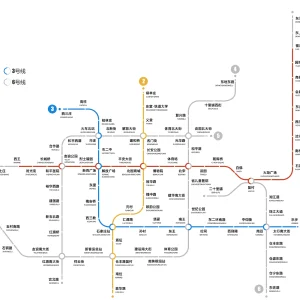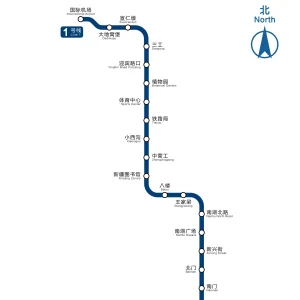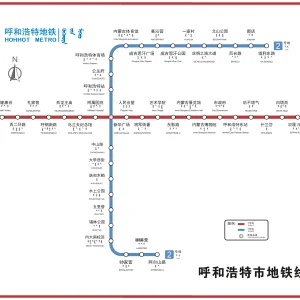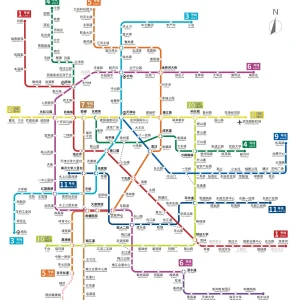
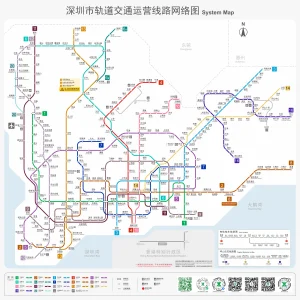
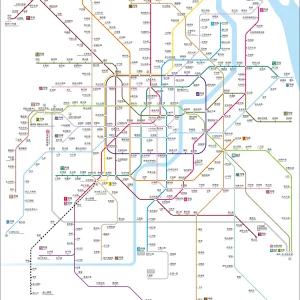
Looking for a China metro map? This page collects official HD subway maps by city—Shanghai metro map, Beijing metro map, Guangzhou metro map, Shenzhen metro map and more. Tap a city to jump down, open the HD map in a new tab, and download a higher-resolution file if you need to zoom in.
Metro is often the fastest and most budget-friendly way to get around in China’s major cities. Use these maps to spot transfer stations, check line colors and directions, and confirm station names before you go. Tip: some station names can vary across apps—cross-check with Amap / Apple Maps when needed.
Find your start and end stations. Search your hotel/attraction in a map app first, then locate the nearest station on the metro map.
Identify the correct line color and line number. China metro systems usually use both, and signs in stations follow the same scheme.
Check the travel direction (terminal stations). Platforms are labeled by direction, usually shown as “to [terminal station].”
Spot transfer stations early. Transfer stations are typically marked with multiple line numbers. Plan transfers in advance to avoid backtracking.
Estimate stops and time. A rough rule: 2–3 minutes per stop, plus 5–10 minutes for a transfer in large stations.
Watch for airport lines and intercity rail links. Many cities have dedicated airport metro lines and connections to major railway stations.
Save the HD map offline. If you expect weak signal, open the HD map in a new tab and save it, or download the high-resolution version.
Double-check station names. Some stations have similar names; confirming with Amap / Apple Maps helps avoid mistakes.
Choose the best exit (Exit A/B/C…). Large stations can have many exits—use a map app to confirm which exit is closest to your destination.
Plan a backup route. In mega cities, a different transfer can be faster at peak time. If one interchange looks crowded, consider an alternative transfer station.
1) Are these metro maps official and updated?
We collect metro maps from official sources whenever possible and provide them in HD. Some cities update maps more frequently than others, so check the “updated year” shown on each city map.
2) What’s the difference between the HD map and the higher-resolution download?
The HD map is optimized for fast viewing on mobile. The higher-resolution file is best for deep zoom, offline saving, or printing—but it may load slowly or crash on low-memory devices.
3) How can I view the metro map offline?
Open the HD map in a new tab and save it, or download the higher-resolution file (when available). This helps when you’re underground or have weak signal.
4) Do metro signs and announcements have English?
In major cities (Shanghai, Beijing, Guangzhou, Shenzhen), signage usually includes English and key-station announcements often do too. Smaller cities vary.
5) How do I know which direction to take on the platform?
Platforms are labeled by direction, usually shown as “to [terminal station]”. Use the map to confirm which terminal station matches your direction.
6) Which app should I use for navigation and exits?
Use the HD metro map for network overview and transfer planning, and use Amap / Apple Maps for real-time directions, exits, and walking navigation.
English (US)